
Remotely Sync Users Across Multiple Sites
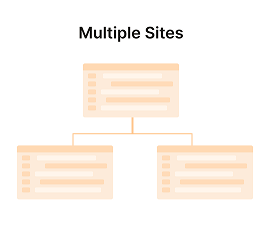
Advanced Remote User Sync & Role Management
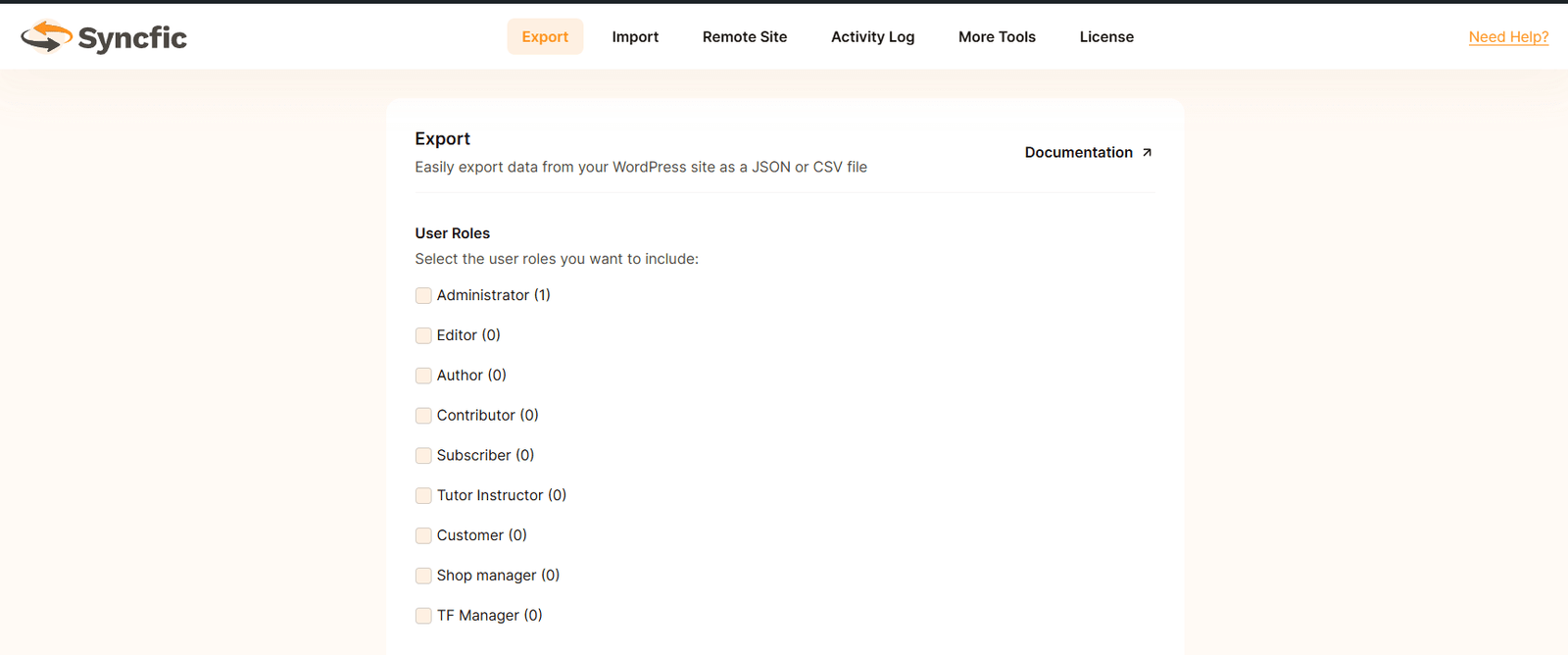
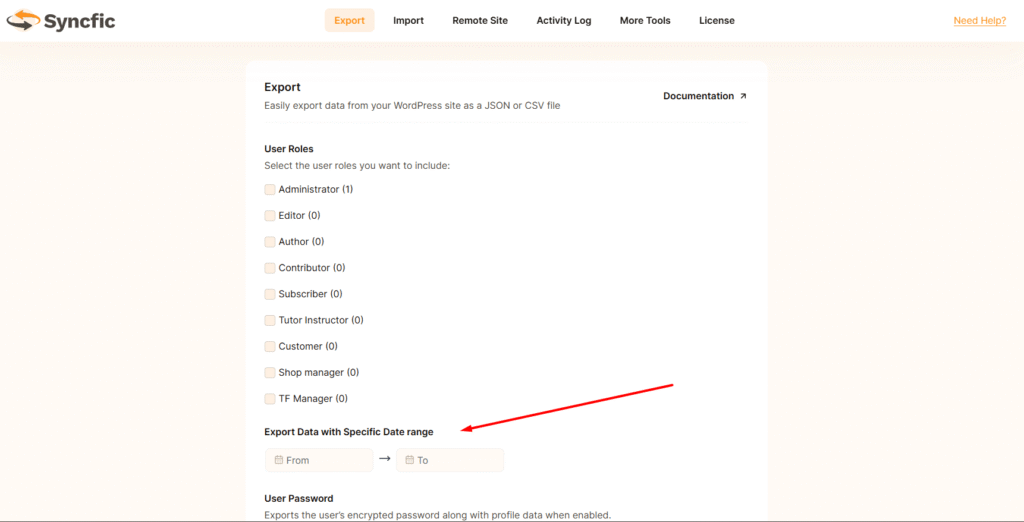
User Roles
Date Range
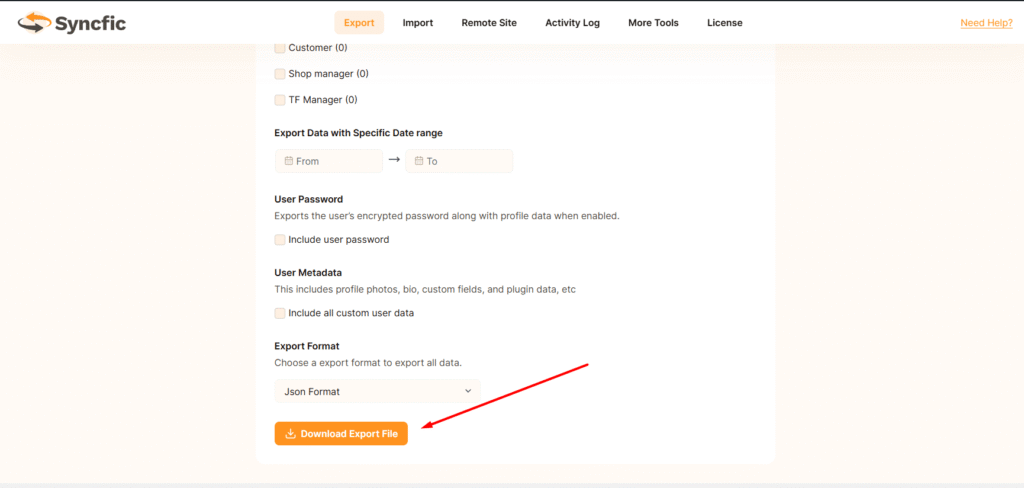
User Password
User Metadata
Export Format
Ease of Use
A quick look inside the backend editing panel.
Loved by WordPress Professionals

Sarah Johnson

Michael Chen

Emily Rodriguez
Emily Rodriguez

Mark Zellers

Jaden Karl
Frequently asked WordPress
What does syncing users across multiple sites mean?
This feature allows you to automatically sync WordPress users between multiple websites. When a user is created, updated, or deleted on one site, the same change can be applied to the connected sites.
How does Syncfic sync users between sites?
Syncfic connects your WordPress sites and monitors user actions such as user registration, profile updates, and deletions. When a change happens on one site, Syncfic sends the update to the connected sites.
Can I sync users between more than two websites?
Yes. Syncfic allows you to connect multiple WordPress sites and sync users across them, so you can manage users from one place.
Can I control which sites or users are synced?
Yes. You can choose which user roles should be synced using Role Management settings. This lets you include or exclude roles like administrators, editors, or customers.
Can I stop syncing for specific sites?
Yes. You can choose which websites should receive user data and disable syncing for specific connections if needed.
Is this feature useful for membership or network websites?
Yes. It is very useful for membership platforms, multi-site businesses, course platforms, and SaaS dashboards where users need access to multiple websites.
