
Advanced Role Management & Override
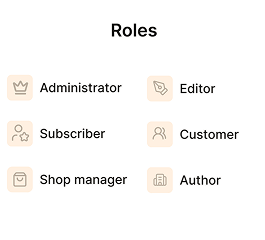
Advanced Role Management and Controls
Advanced Role Control
Role-Based Pricing Rules
Permission Override
Priority Rule Handling
Dynamic Access Control
Ease of Use
A quick look inside the backend editing panel.
Loved by WordPress Professionals

Sarah Johnson

Michael Chen

Emily Rodriguez
Emily Rodriguez

Mark Zellers

Jaden Karl
Frequently asked WordPress
What is Role Management Override?
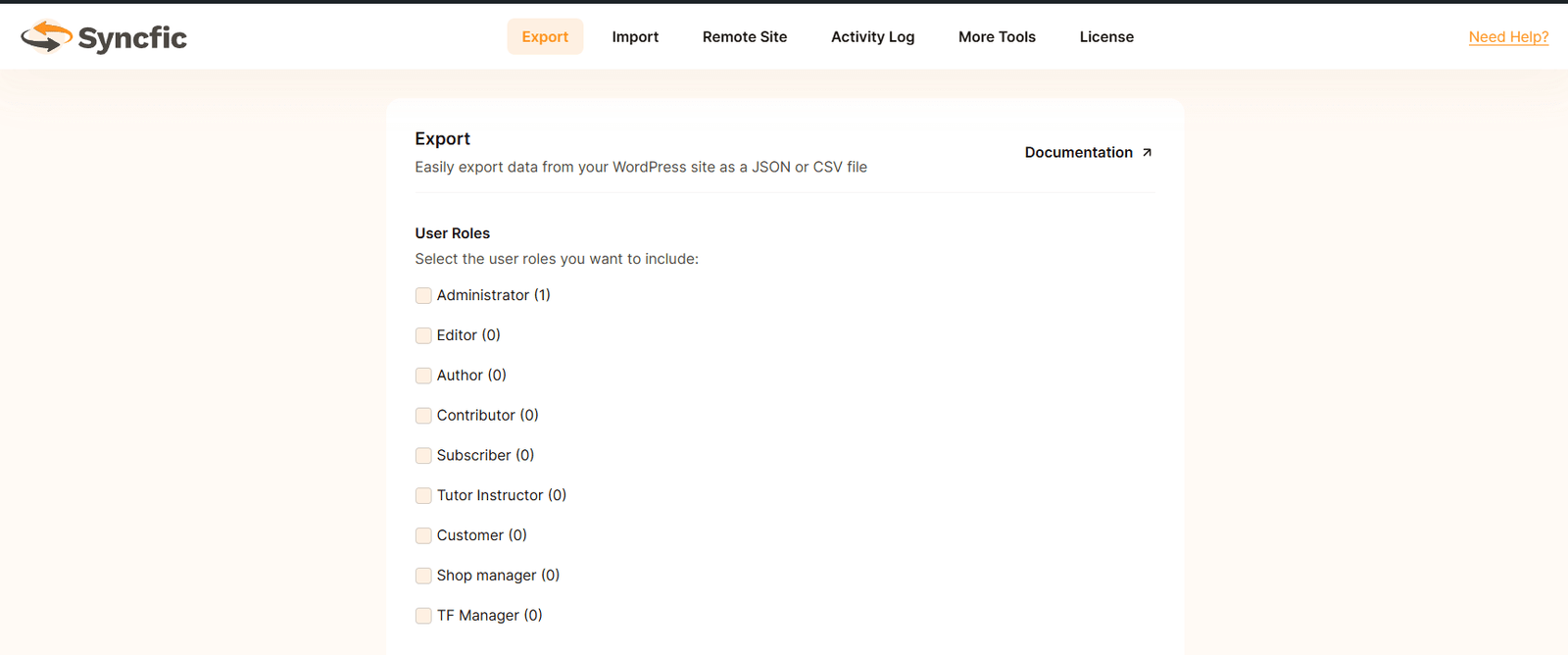
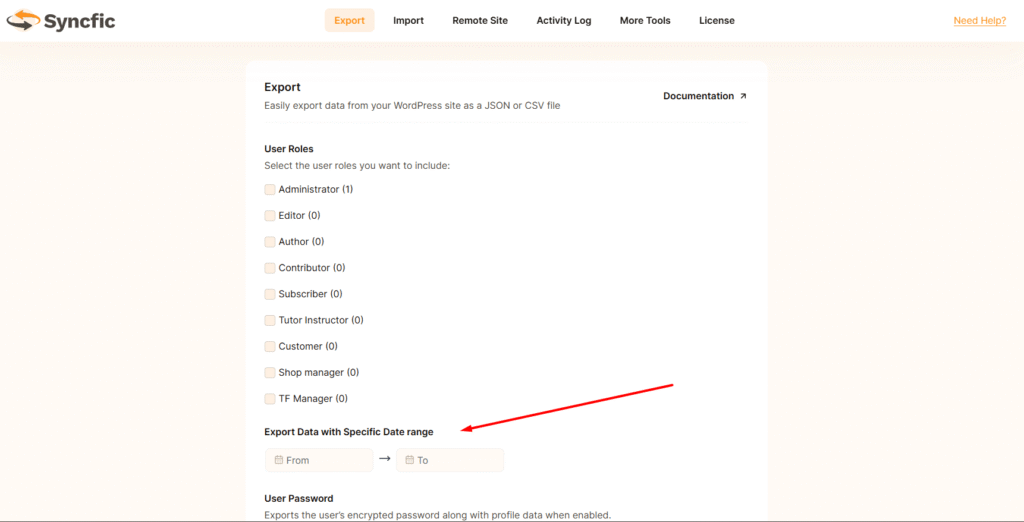
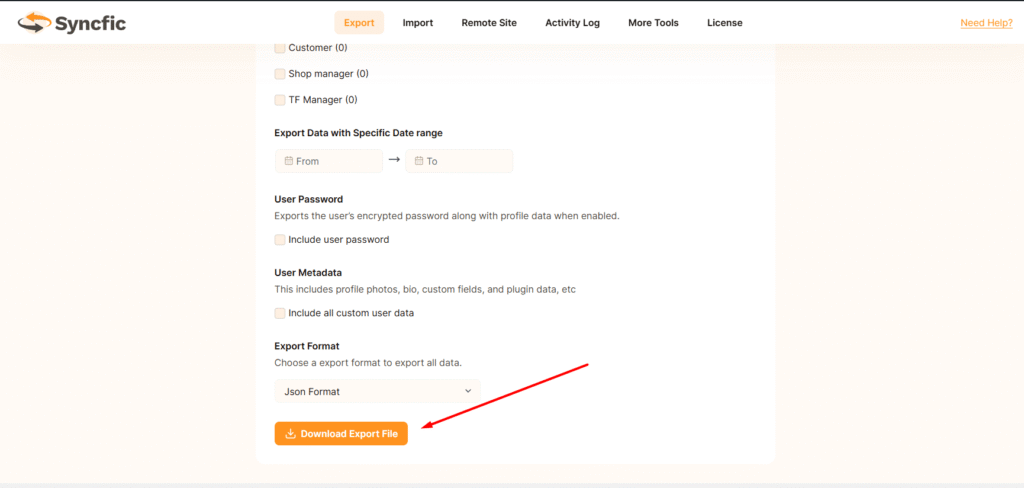
Role Management Override allows you to control which user roles are synced between two connected WordPress sites. You can override the default syncing behavior and choose exactly which roles should be included or excluded.
Why would I need Role Management Override?
In many cases, you may not want every user role to sync across sites. For example, you may want to sync only customers or subscribers, but not administrators or editors. Role Management Override gives you full control over this.
Can I sync only specific user roles?
Yes. With Role Management Override enabled, you can select the exact roles that should be synced between sites. Only users with those roles will be included in the sync process.
Can I exclude certain roles from syncing?
Yes. You can prevent specific roles from syncing. For example, you can exclude admins, shop managers, or editors while syncing only customer accounts.
Is this feature useful for WooCommerce sites?
I am a so called subtitle.Yes. It is very useful for WooCommerce setups. For example, you can sync only customer accounts between stores while keeping admin or staff accounts separate.
