
Seamlessly manage
Import & Export Users with Ease
Quickly import new users or export existing user data in just a few clicks. Whether you’re migrating to a new site, managing wholesale customers, or creating backups, this feature ensures smooth and secure data handling. Save time with bulk actions, maintain accurate records, and keep your user database organized without technical hassle.
Unlock Syncfic Pro Now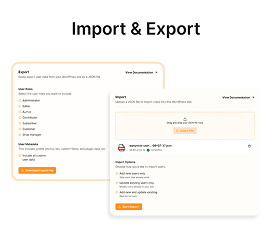
Feature
Advanced Import & Export Controls
Manage and synchronize users with complete control
Bulk User Import
Upload multiple users at once using CSV files. Quickly add wholesale clients, customers, or members without manual entry.
One-Click User Export
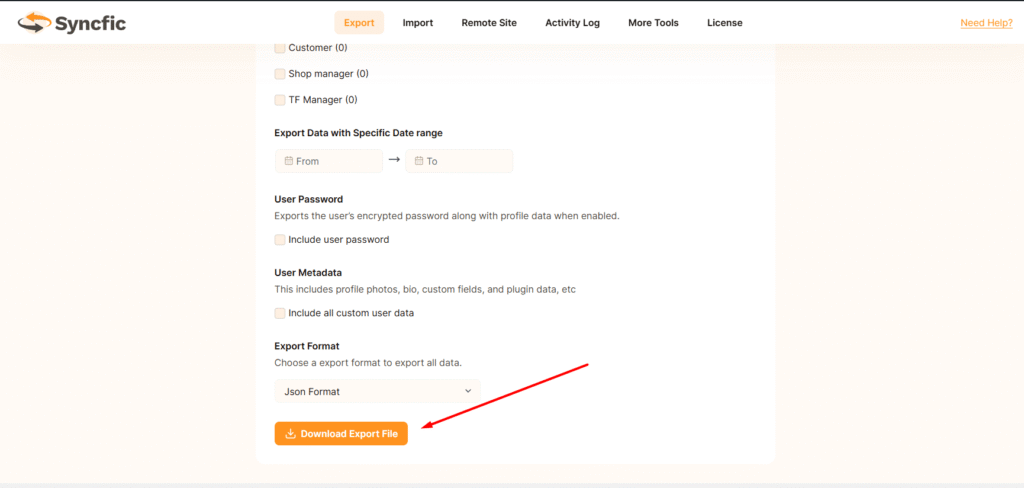
Download user data instantly in CSV format for reporting, backups, or migration to another system.
Role-Based Filtering
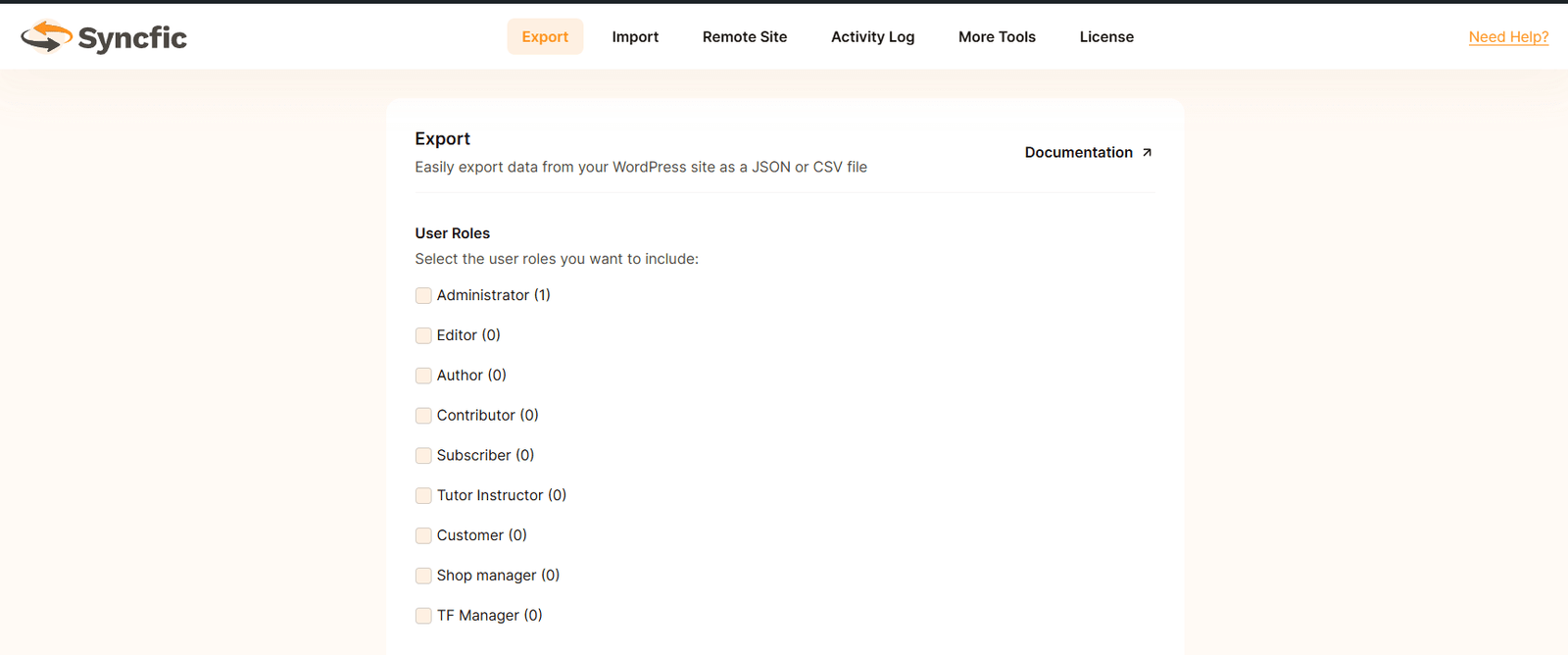
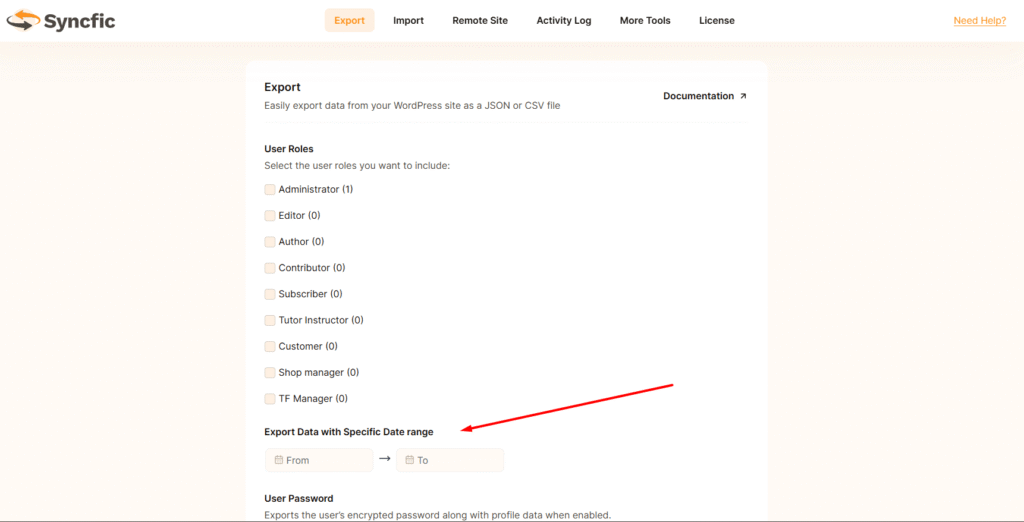
Export or import users based on specific roles (e.g., Wholesale, Customer, Subscriber) to keep your data organized and targeted.
Custom Field Support
Import and export additional user meta fields such as company name, phone number, billing details, or wholesale status.
Secure Data Handling
Ensure safe data processing with validation checks to prevent duplicate entries and incorrect formatting.
Multiple Export Format
Syncfic provides a variety of export formats, including JSON and CSV, to efficiently manage large-scale import and export activities.
Click to Enlarge
A quick look inside the backend editing panel.
Explore the backend editing panel to understand how powerful and intuitive the editing experience is.
Clients feedback
Loved by WordPress Professionals
See what our users have to say about Syncfic
"Syncfic has been a game-changer for managing my three online stores. Orders sync perfectly and I never worry about data loss anymore."

Sarah Johnson
“This powerful tool eliminates the need to leave Salesforce to get things done as I can create a custom proposal with dynamic pricing tables, and get approval from my boss all
within 36 minutes.”

Michael Chen
“We manage 50+ client sites and Syncfic has saved us countless hours. The API security and control features give us peace of mind.”

Emily Rodriguez
“We manage 50+ client sites and Syncfic has saved us countless hours. The API security and control features give us peace of mind.”
Emily Rodriguez
“This powerful tool eliminates the need to leave Salesforce to get things done as I can create a custom proposal with dynamic pricing tables, and get approval from my boss all within 36 minutes.”

Mark Zellers
“We manage 50+ client sites and Syncfic has saved us countless hours. The API security and control features give us peace of mind.”

Jaden Karl
FAQ's
Frequently asked WordPress
Find answers to common questions
What is the Import & Export Users feature?
The Import/Export Users feature allows you to easily transfer users between WordPress sites. You can import users from an external file or export existing users to a file for backup or migration.
Which file formats are supported for import/export?
Currently, CSV files and JSON files are supported for both importing and exporting user data.
Can I import users with custom fields?
Yes! You can import additional user meta fields such as phone numbers, company names, or wholesale status along with standard WordPress fields.
Can I export users based on roles?
Absolutely. You can filter users by specific roles—like Customer, Subscriber, or Wholesale—before exporting.
Can I export users from one site and import them into another?
Yes. Syncfic makes it easy to export users from one WordPress site and import them into another, allowing you to manage user data across multiple sites.
